
Complete Home Assistant Setup for Grow Automation
Step-by-step guide to setting up Home Assistant for grow automation. From installation to your first automated grow room.
Complete Home Assistant Setup for Grow Automation
This comprehensive guide will walk you through setting up Home Assistant for complete grow automation.
Prerequisites
- Time: 1-2 hours
Step 1: Install Home Assistant
Option A: Home Assistant OS (Recommended)
Download Home Assistant OS from home-assistant.io
Flash to SD card using Raspberry Pi Imager
Insert SD card and power on
Access http://homeassistant.local:8123
Complete initial setup
Option B: Docker Installation
docker run -d --name homeassistant -p 8123:8123 homeassistant/home-assistant
Step 2: Configure Sensors
Add Temperature Sensor
Create configuration.yaml:
sensor:
  - platform: mqtt
    name: "Grow Room Temperature"
    state_topic: "grow/temperature"
    unit_of_measurement: "°C"
Add Humidity Sensor
sensor:
  - platform: mqtt
    name: "Grow Room Humidity"
    state_topic: "grow/humidity"
    unit_of_measurement: "%"
Step 3: Create Automations
Light Schedule
automation:
  - alias: "Turn on grow lights"
    trigger:
      - platform: time
        at: "06:00:00"
    action:
      - service: switch.turn_on
        entity_id: switch.grow_lights
Temperature Control
automation:
  - alias: "Control grow fan"
    trigger:
      - platform: numeric_state
        entity_id: sensor.grow_temperature
        above: 26
    action:
      - service: switch.turn_on
        entity_id: switch.grow_fan
Step 4: Set Up OpenGrowBox Integration
Install HACS (Home Assistant Community Store)
Search for OpenGrowBox
Click Install
Restart Home Assistant
Configure integration with your API credentials
Step 5: Test Your Automation
Check sensor values in Home Assistant dashboard
Verify automations trigger correctly
Test manual controls
Monitor for 24-48 hours
Troubleshooting
- Restart Home Assistant
- Check automation mode (single vs triggered)
Conclusion
- Advanced automations
Happy growing!
Related Articles
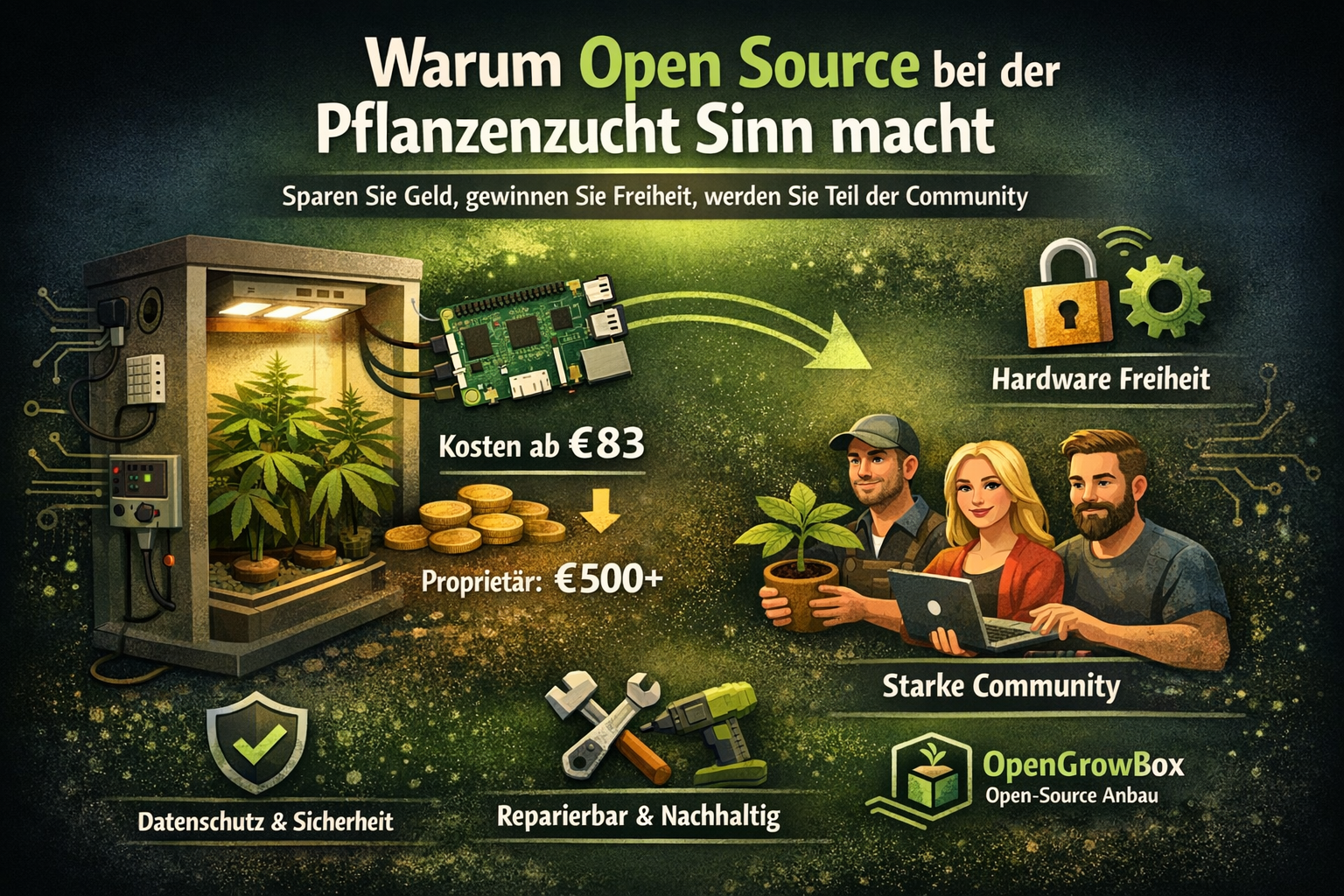
Why Open Source Makes Sense for Plant Growing
Discover why open-source grow automation saves money, offers hardware freedom, and builds a supportive community of growers worldwide.
VPD Complete Guide: Optimize Your Grow Room Climate
Learn everything about Vapor Pressure Deficit (VPD) and how to optimize it for maximum plant growth. Includes target charts and calculator.